 ASM
Voice notes
Dictate a note with your own microphone. Optionally turn it into text, using your own key with Google's Gemini. The app never records phone calls.
ASM brings the things you already do (call, text, mail, plan) into one calm place and adds the memory that your phone forgets: notes, tags, stock, who asked about what, and which SIM you used.
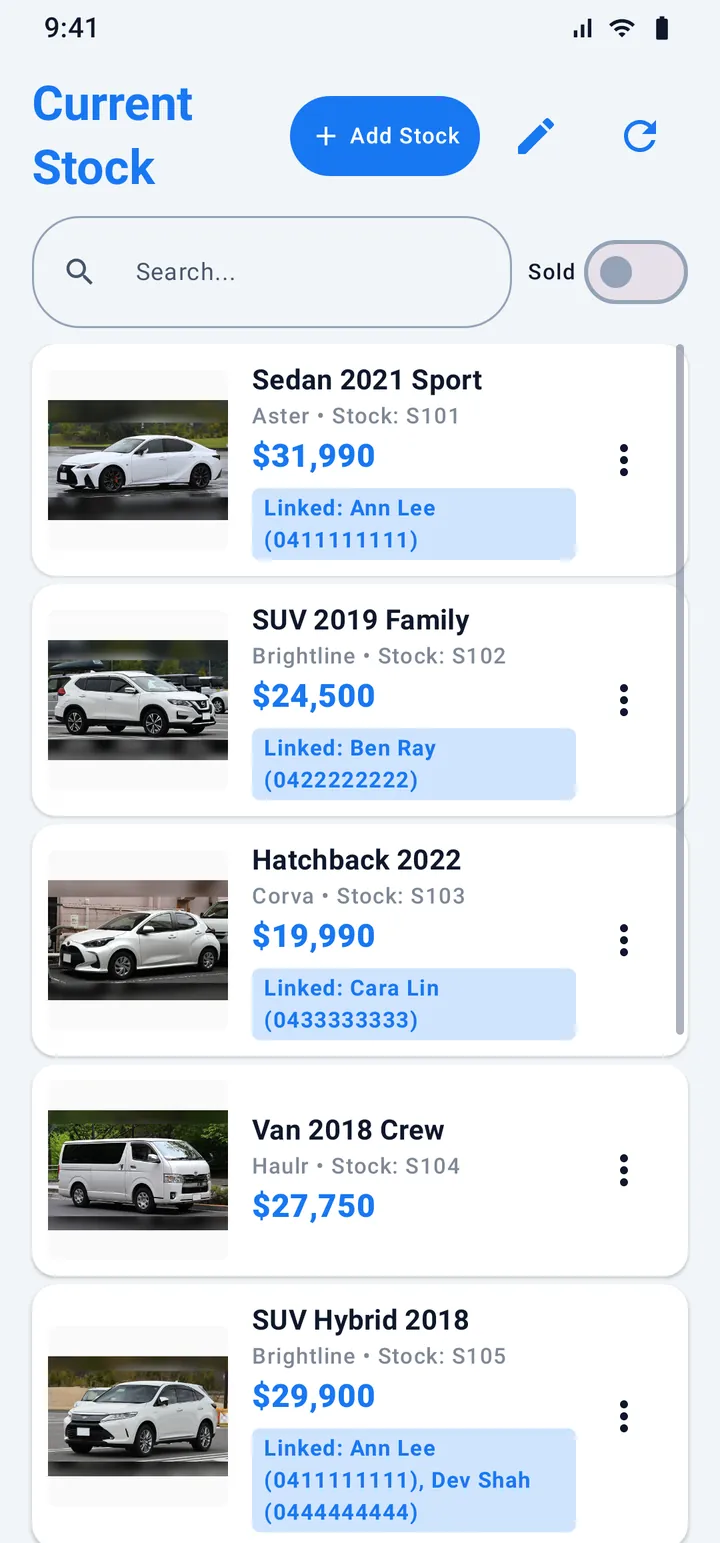
Keep a list of what you sell or lend. Every item has a photo, a price and your own fields. Open an item to see the people who asked about it, with their stage and how often they called, texted or wrote.
Example: a small used-car yard. Cars are only one example: ASM works the same for equipment, parts or any product you sell. More about stock and linked calls
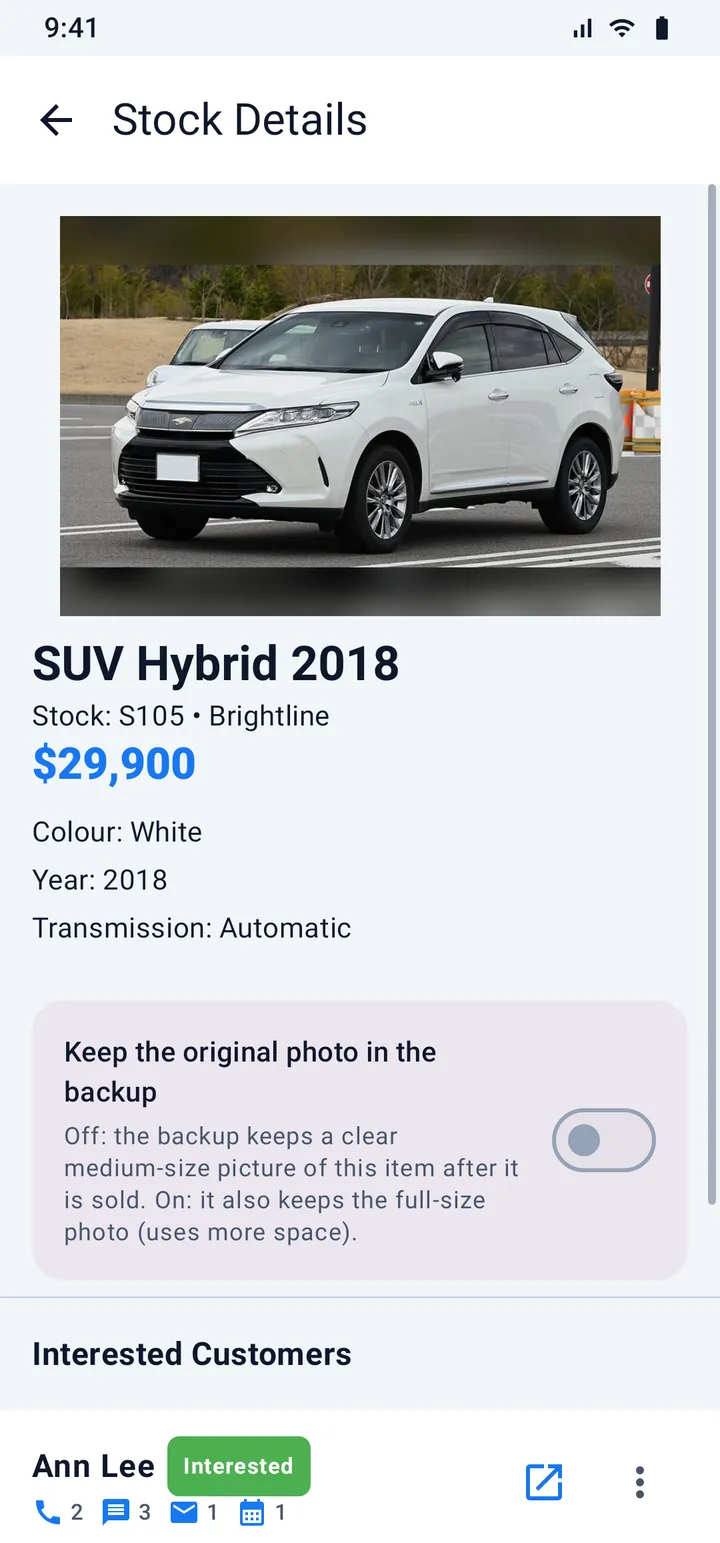
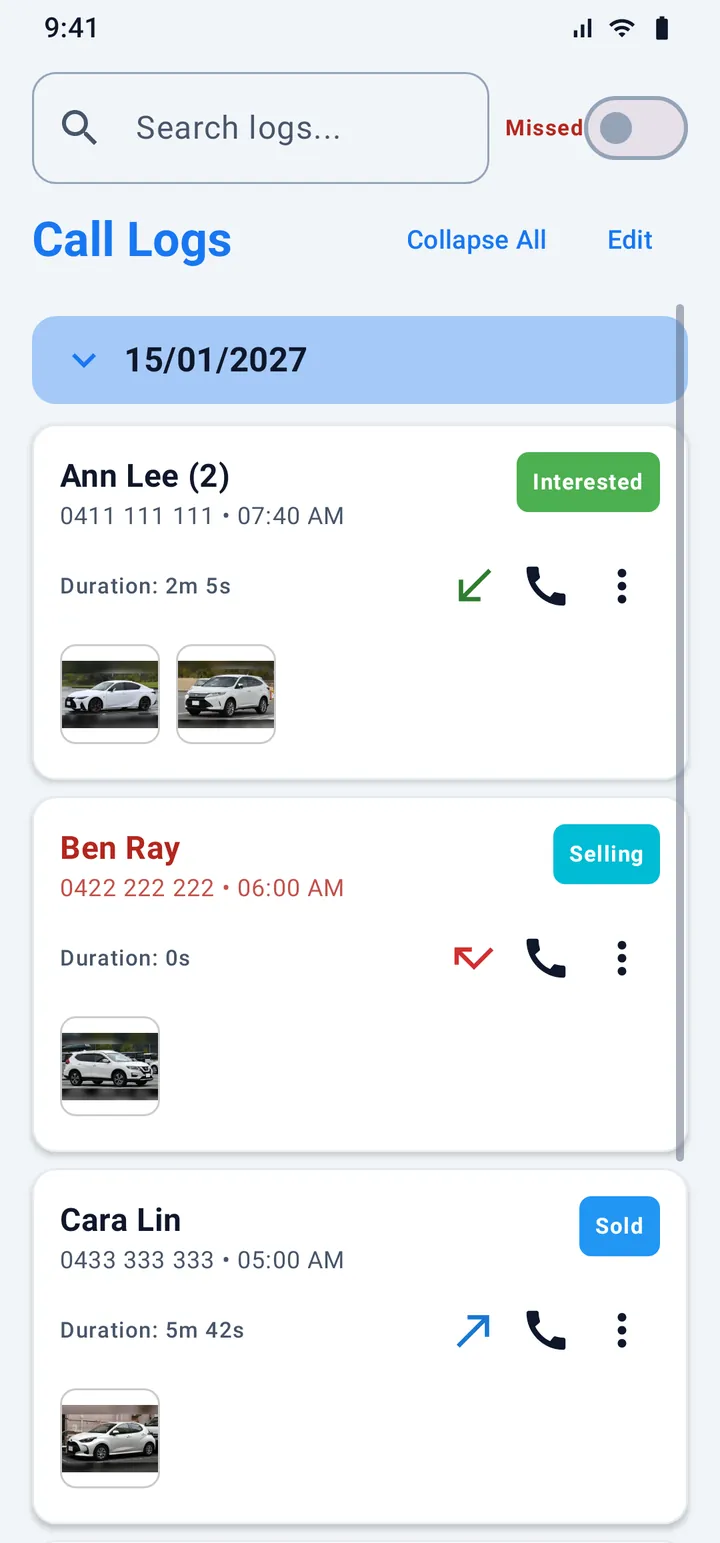
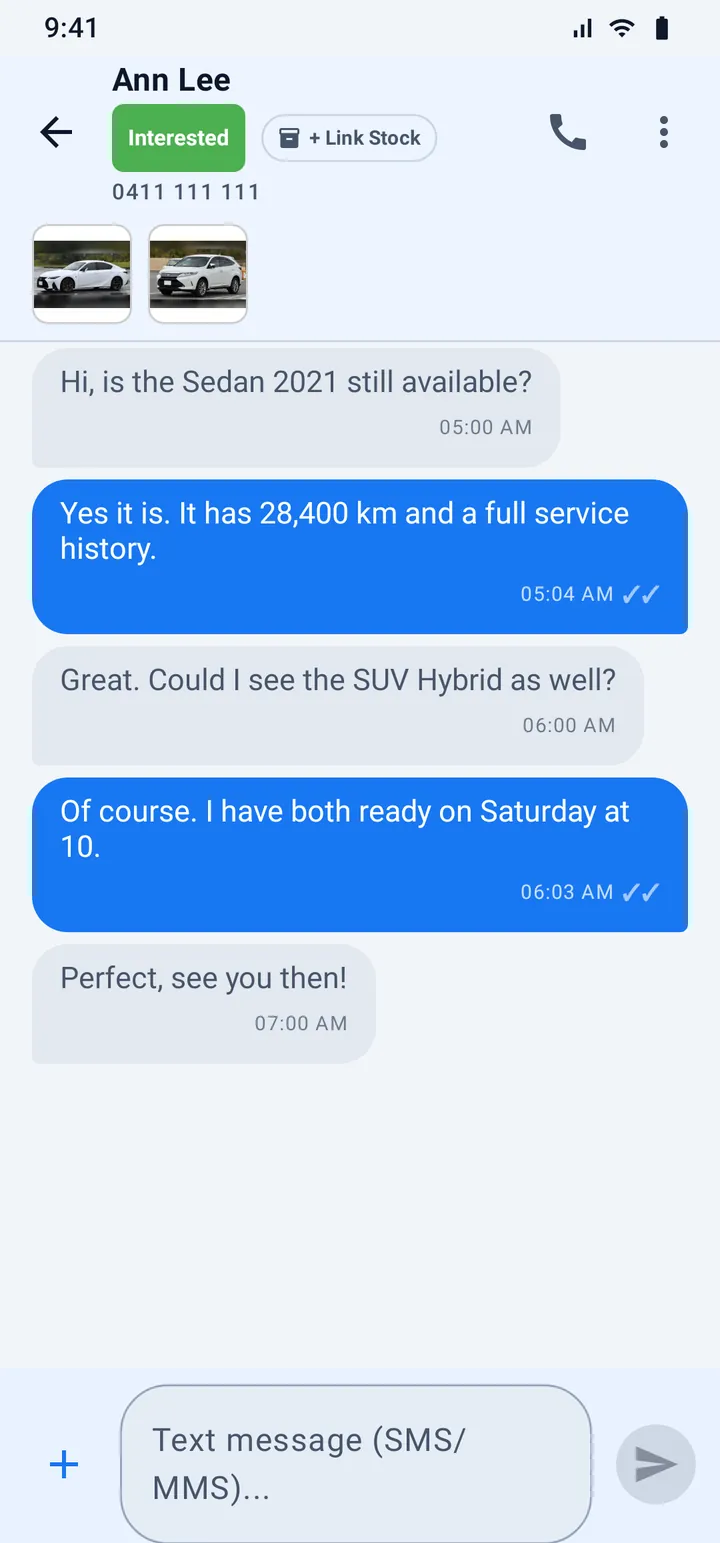
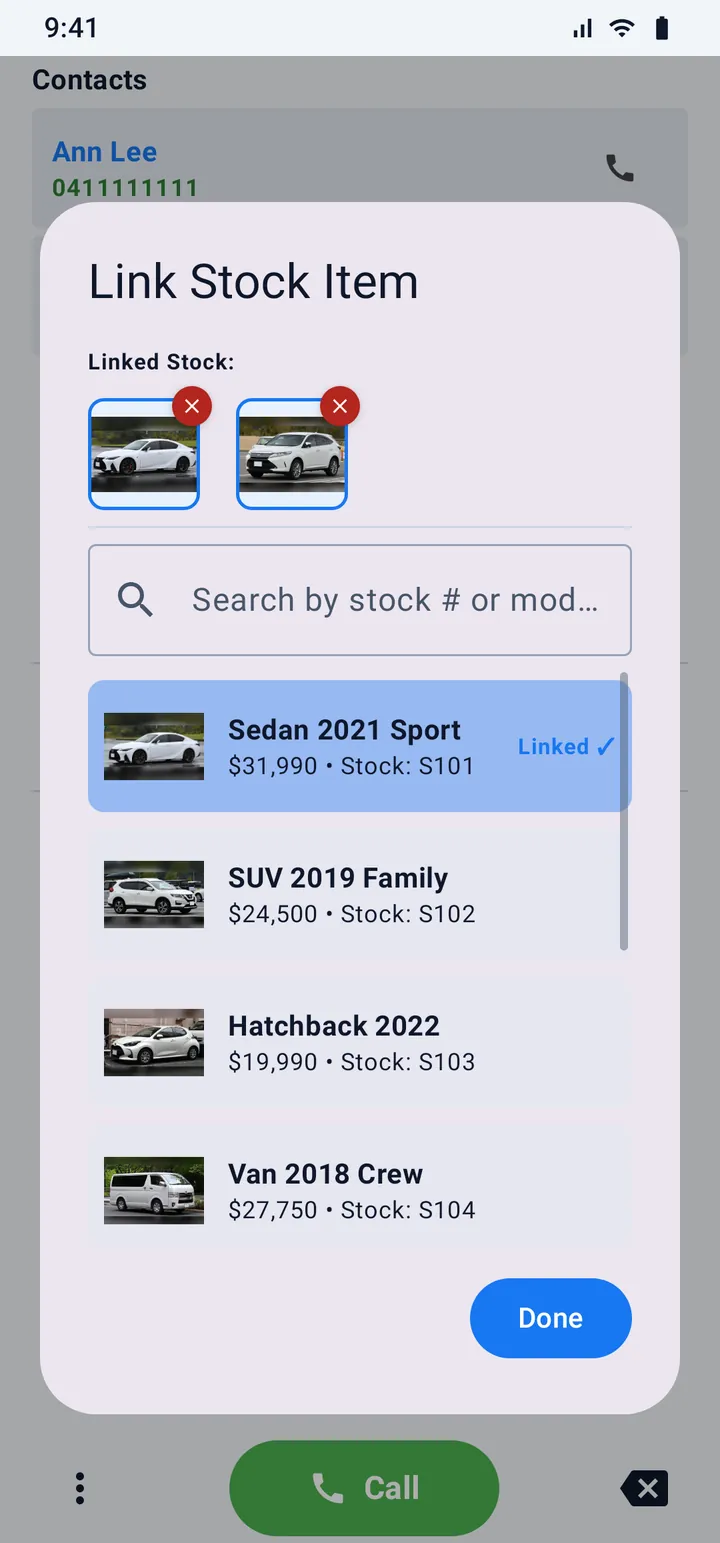
Link a number to a stock item once. From then on the picture of the item sits next to that person, wherever they show up, together with their stage tag such as Interested or Sold.
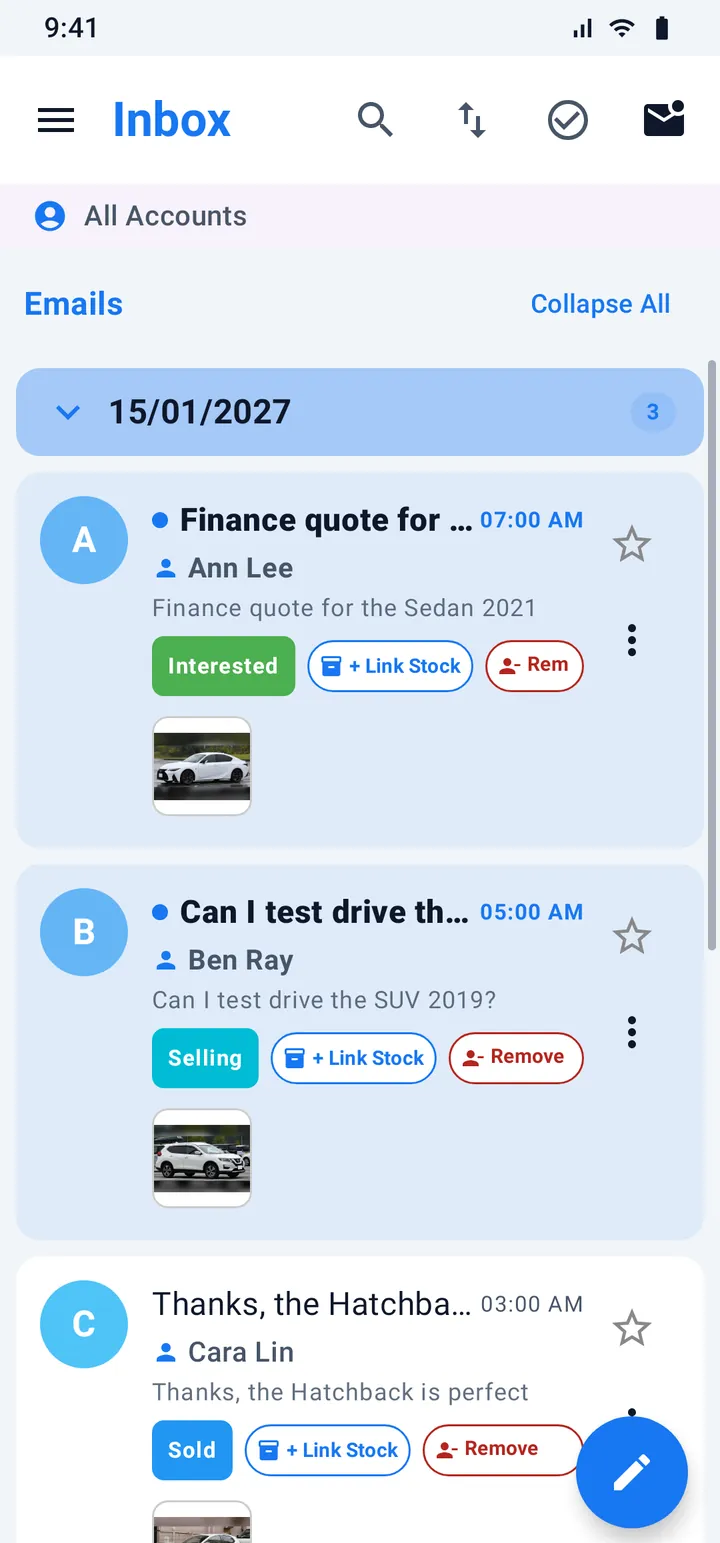
Example: Ann asks about the Sedan by phone, then writes about the SUV. You open her call, her chat or her mail and both cars are right there.
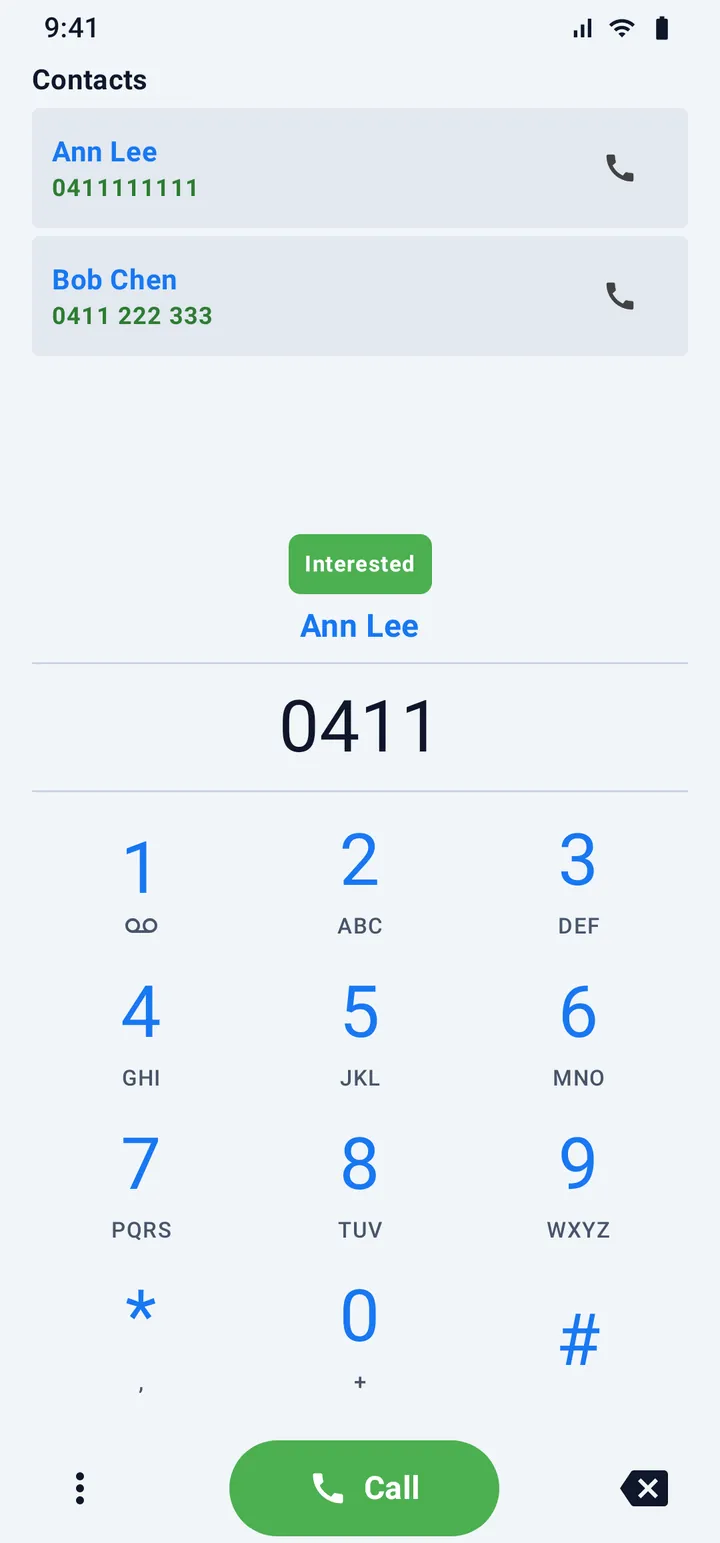
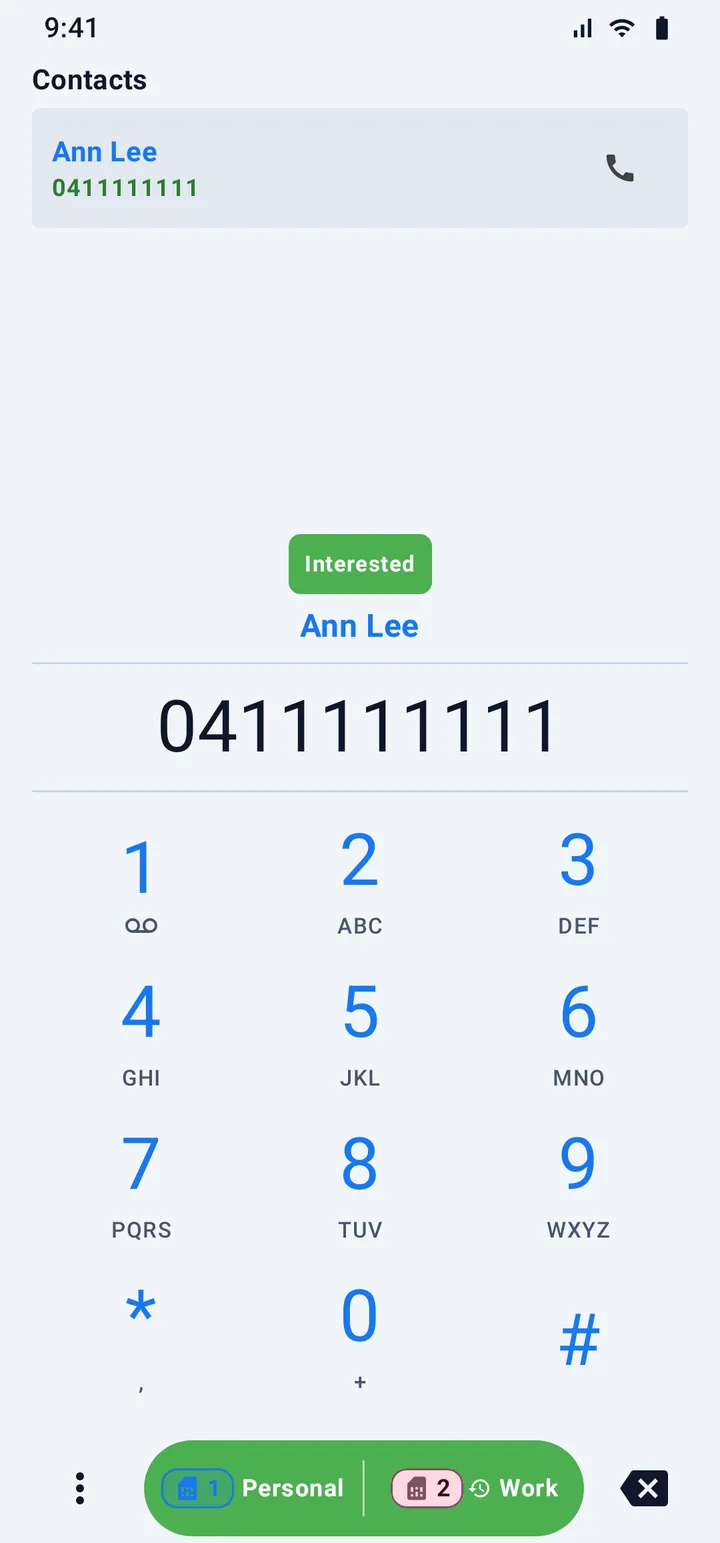
Type a few digits and the dial pad shows the matching contacts. The best match appears with their name and their stage tag, before you press Call.
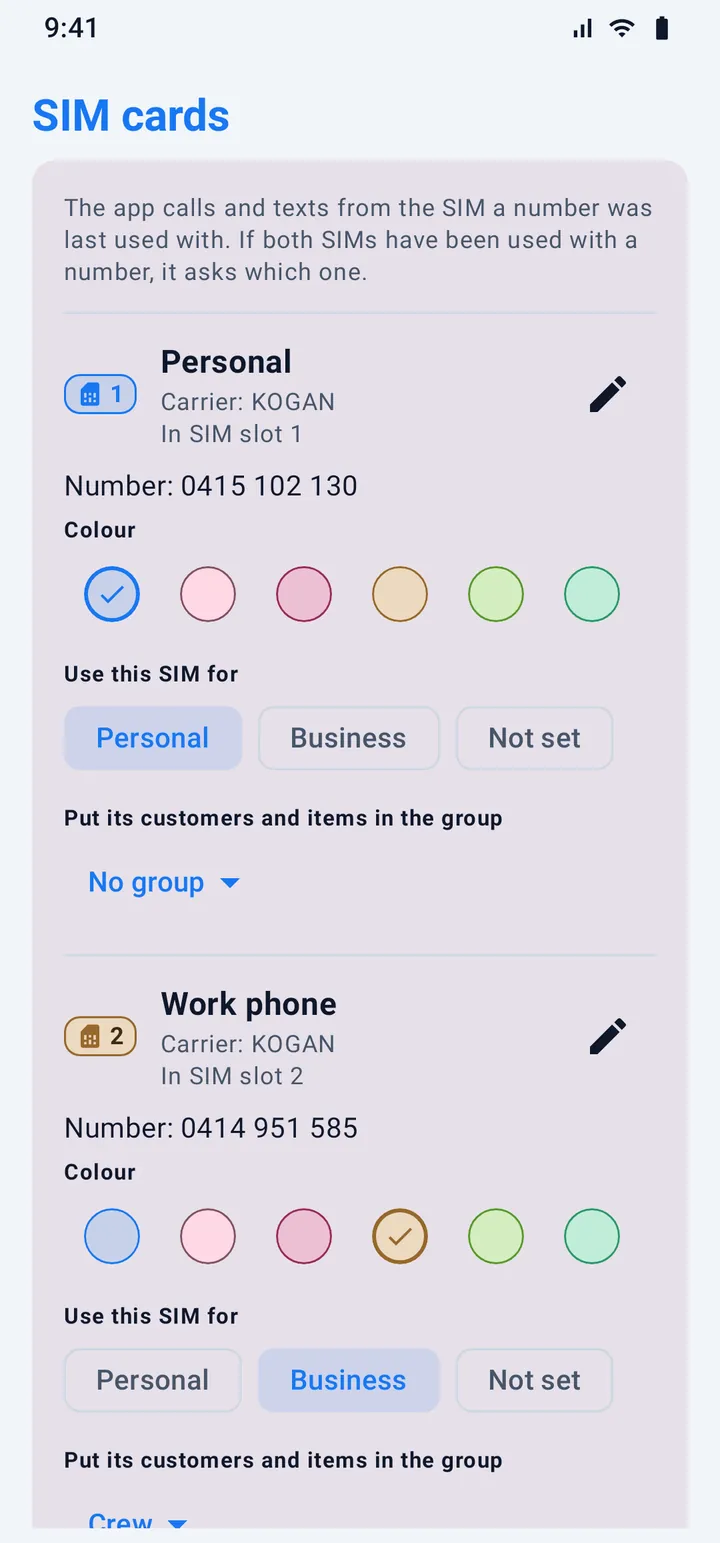
With two SIM cards (or an eSIM) every call and text shows which SIM it used, and ASM helps you answer on the right one.
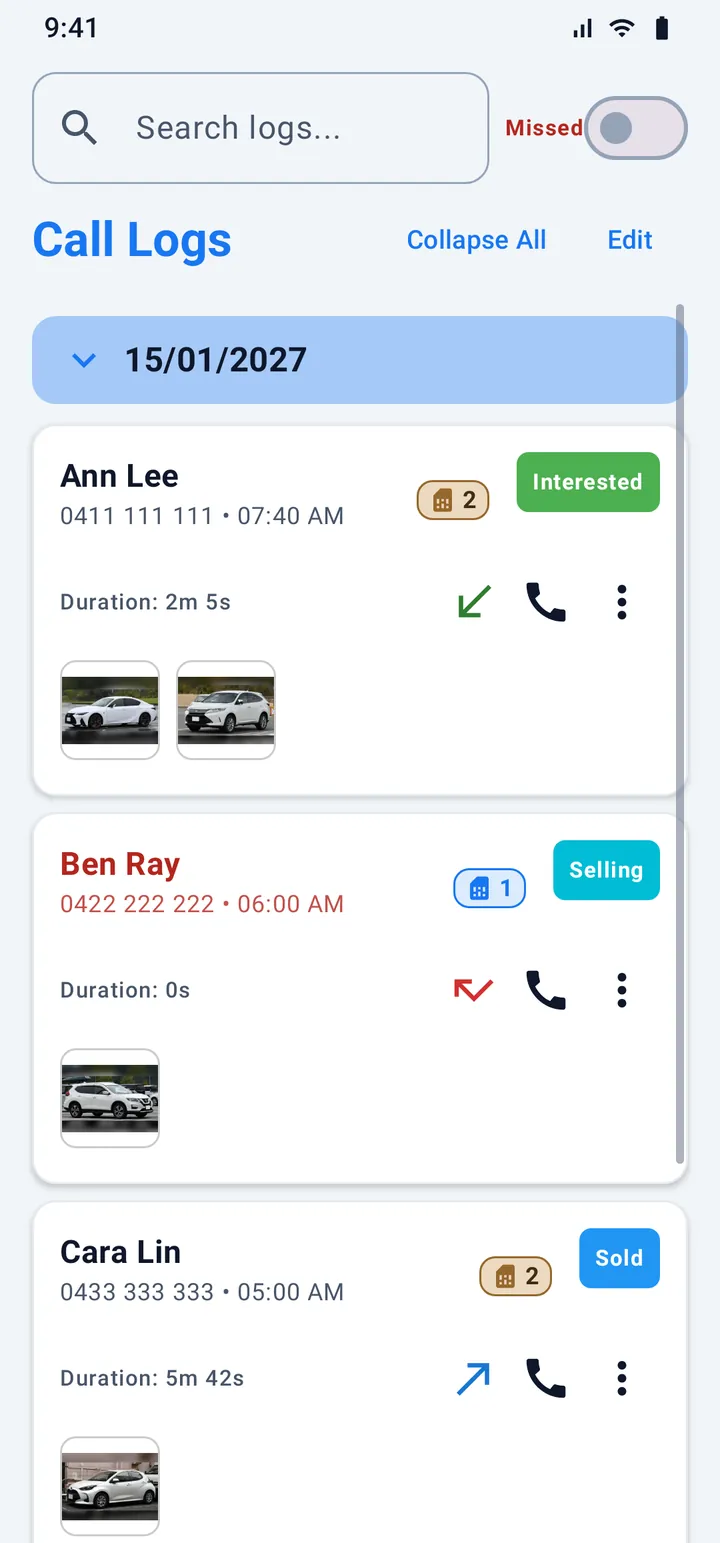
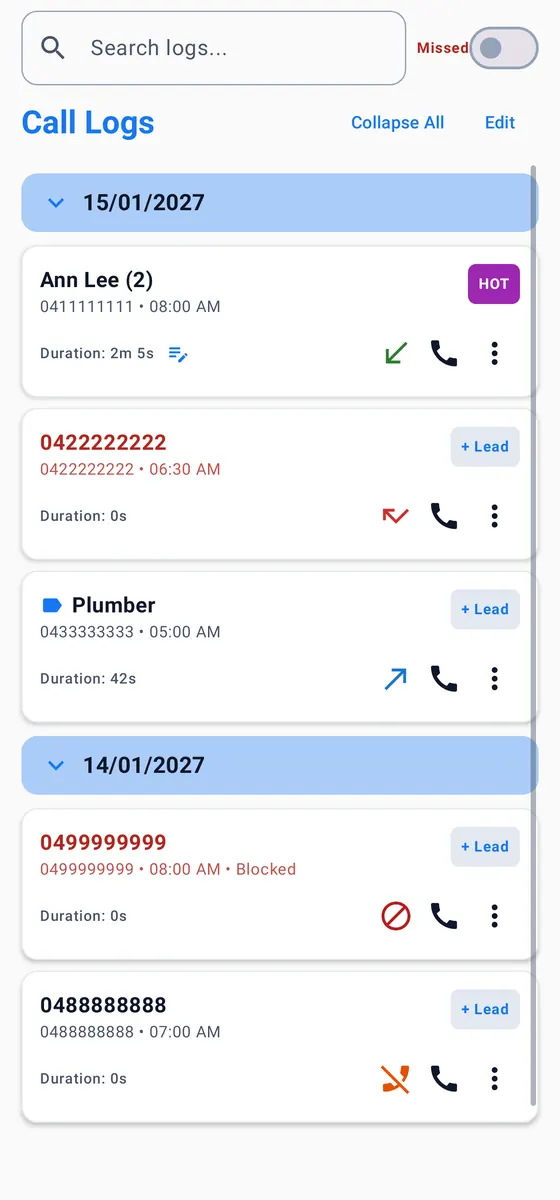
Your call log becomes a record you can use. Every call can carry a note, a tag and a link to stock, and the log can be searched, folded by day and filtered to missed calls.
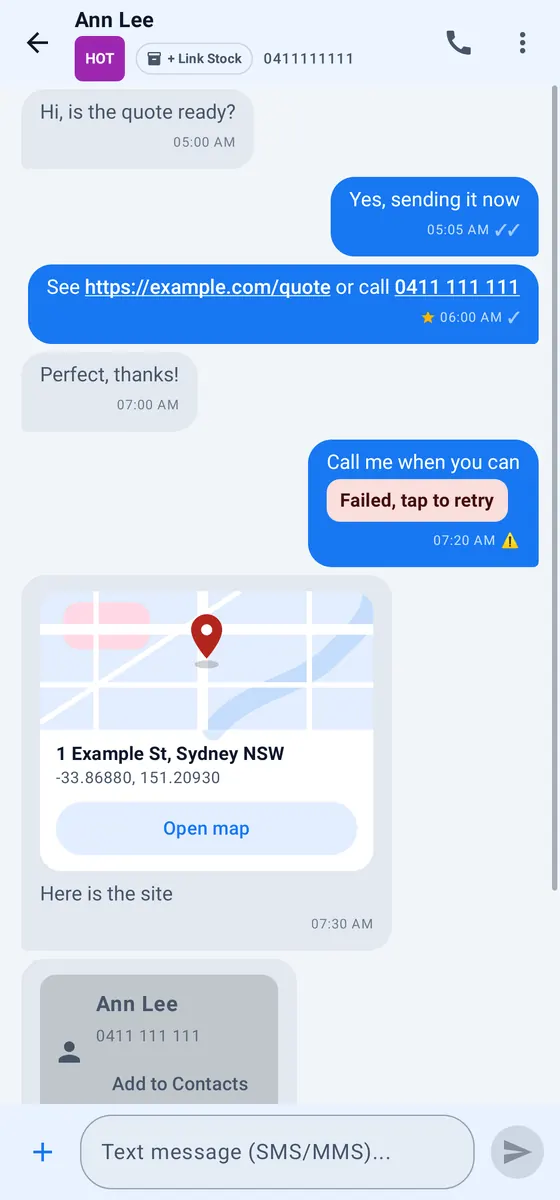
Send and receive SMS and picture messages (MMS) in a tidy list that you can sort into your own folders, search and star.
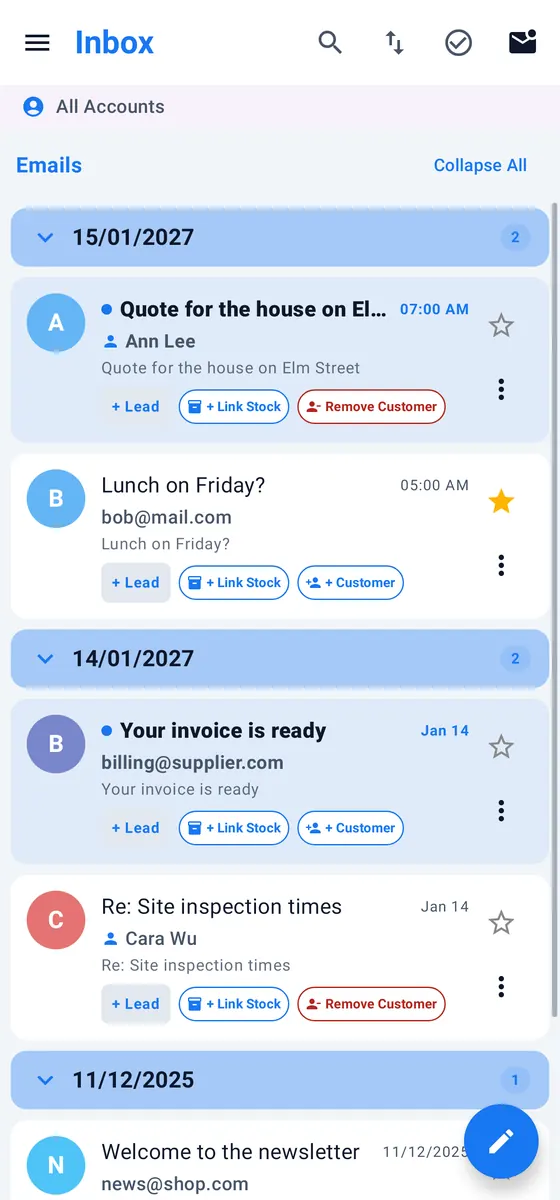
Bring all your mail into one inbox. Sign in with Google or Microsoft on their own page, or use Yahoo, iCloud or any provider that supports IMAP.
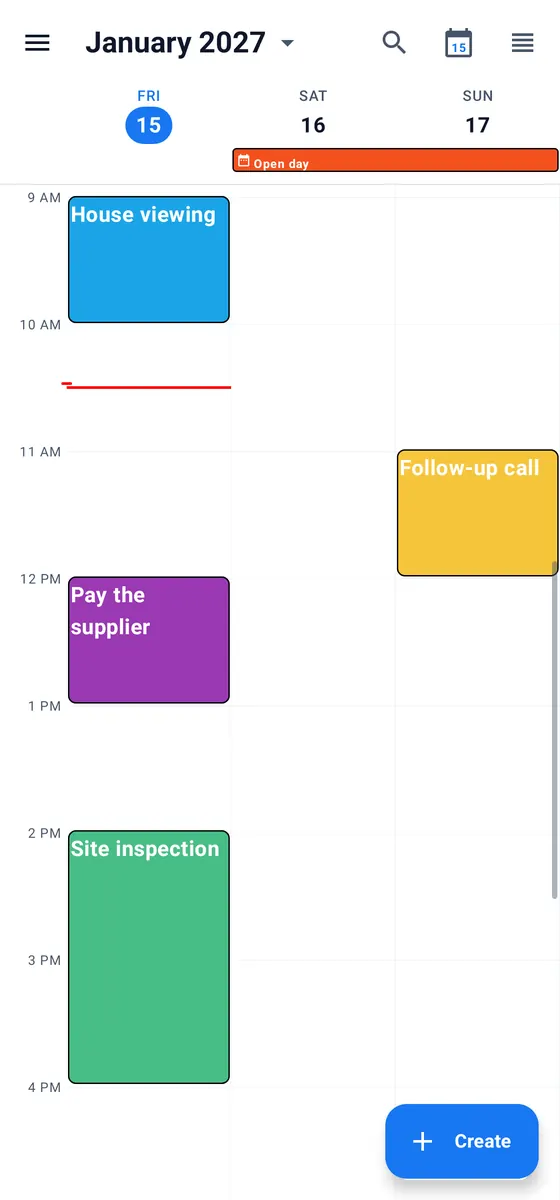
Day, three-day, week, month and schedule views with colours you choose. Book a follow-up straight from a call and keep it next to the notes that explain it.
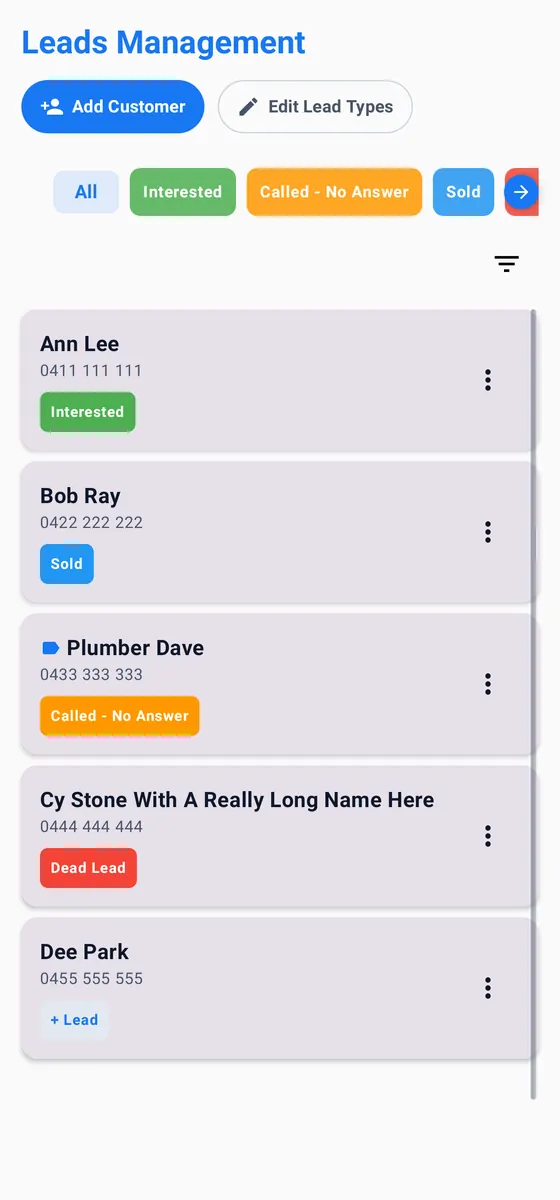
Turn a number into a lead in one tap and move it along with your own stages: Interested, Called, Sold, Dead. You choose the names and the colours.
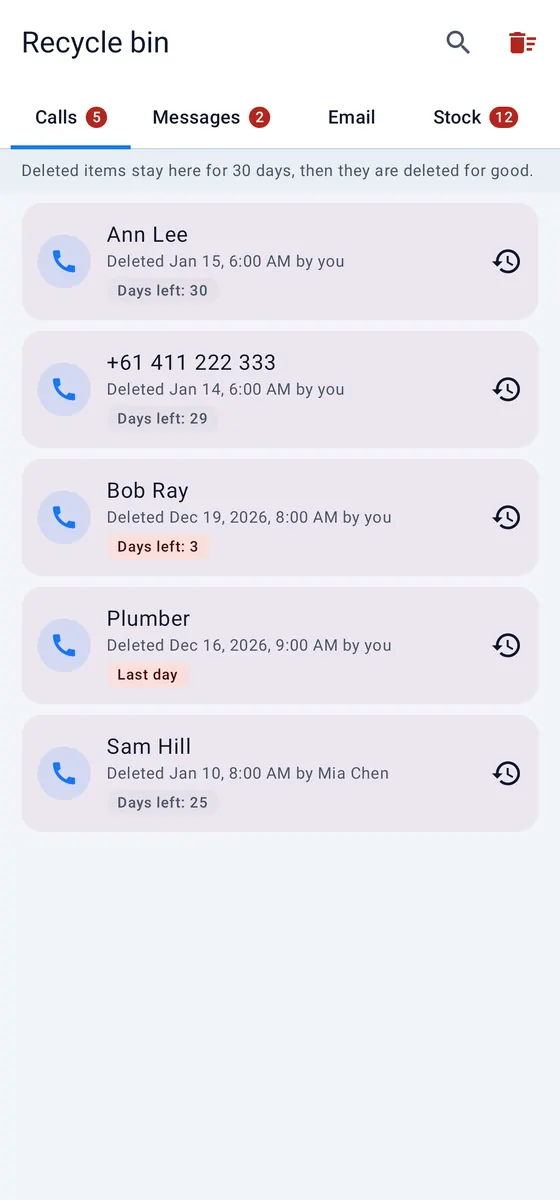
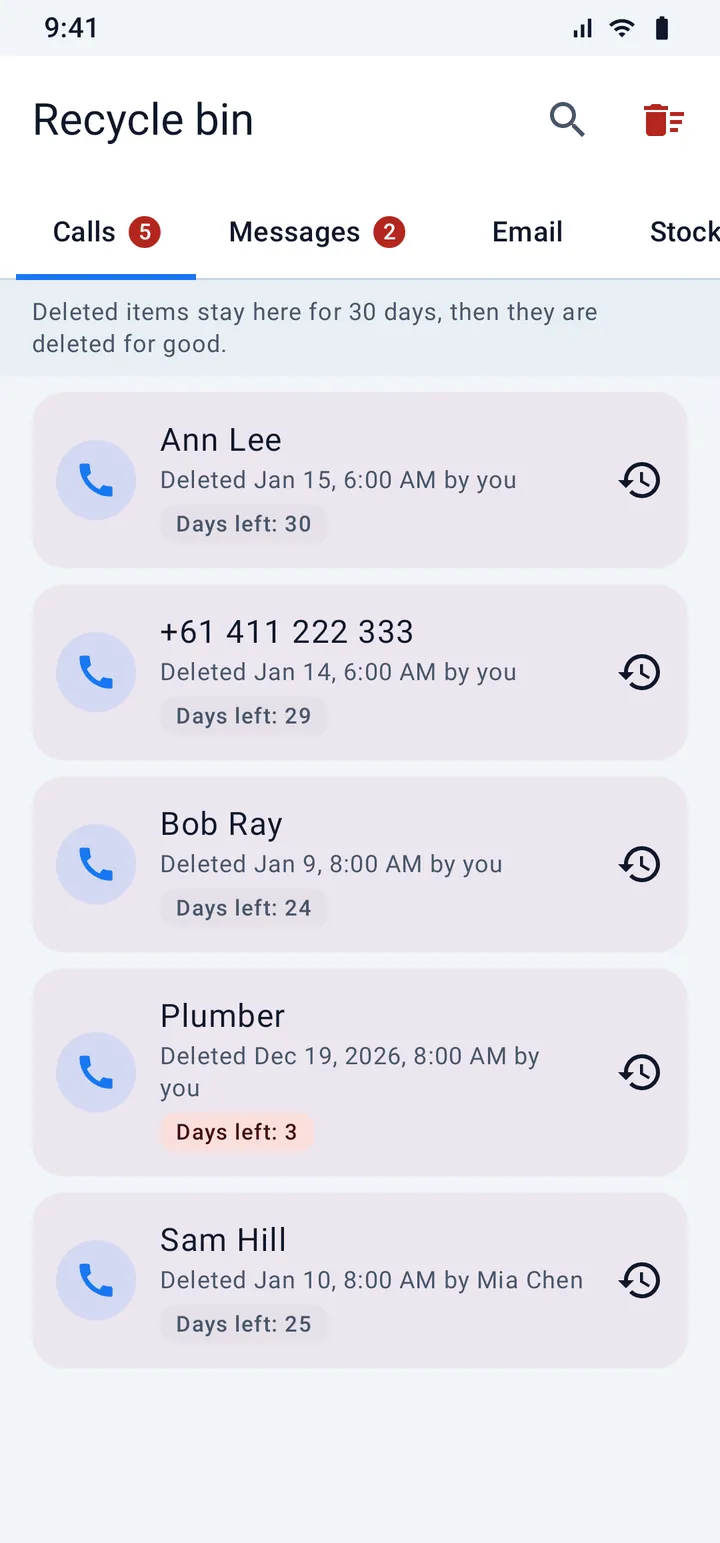
One recycle bin for calls, texts, mail, stock, leads and voice notes. Delete without fear: items wait there for the number of days you set (30 by default) and come back with a tap.
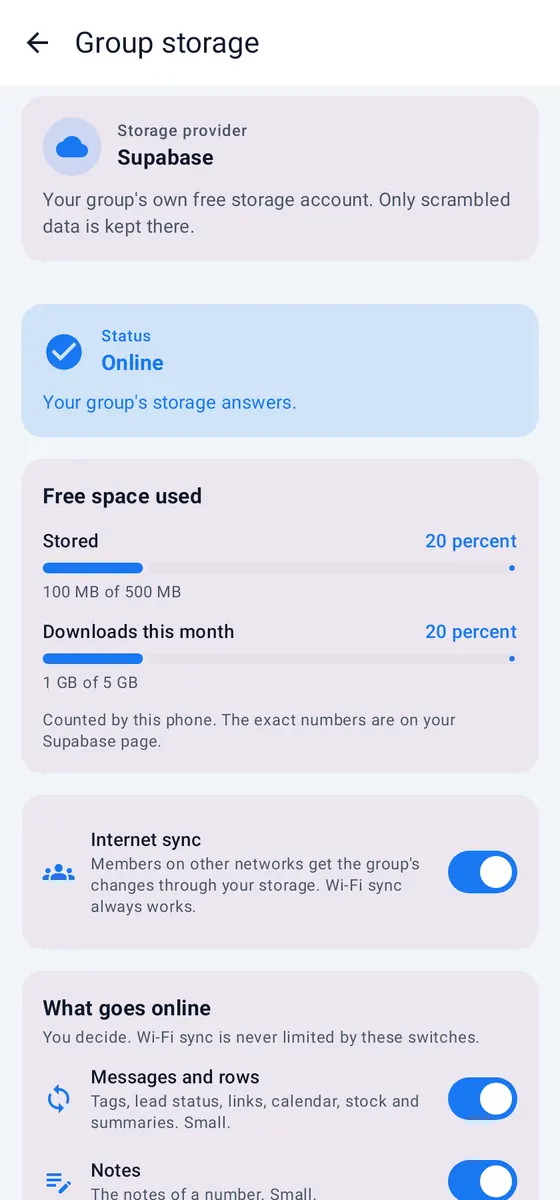
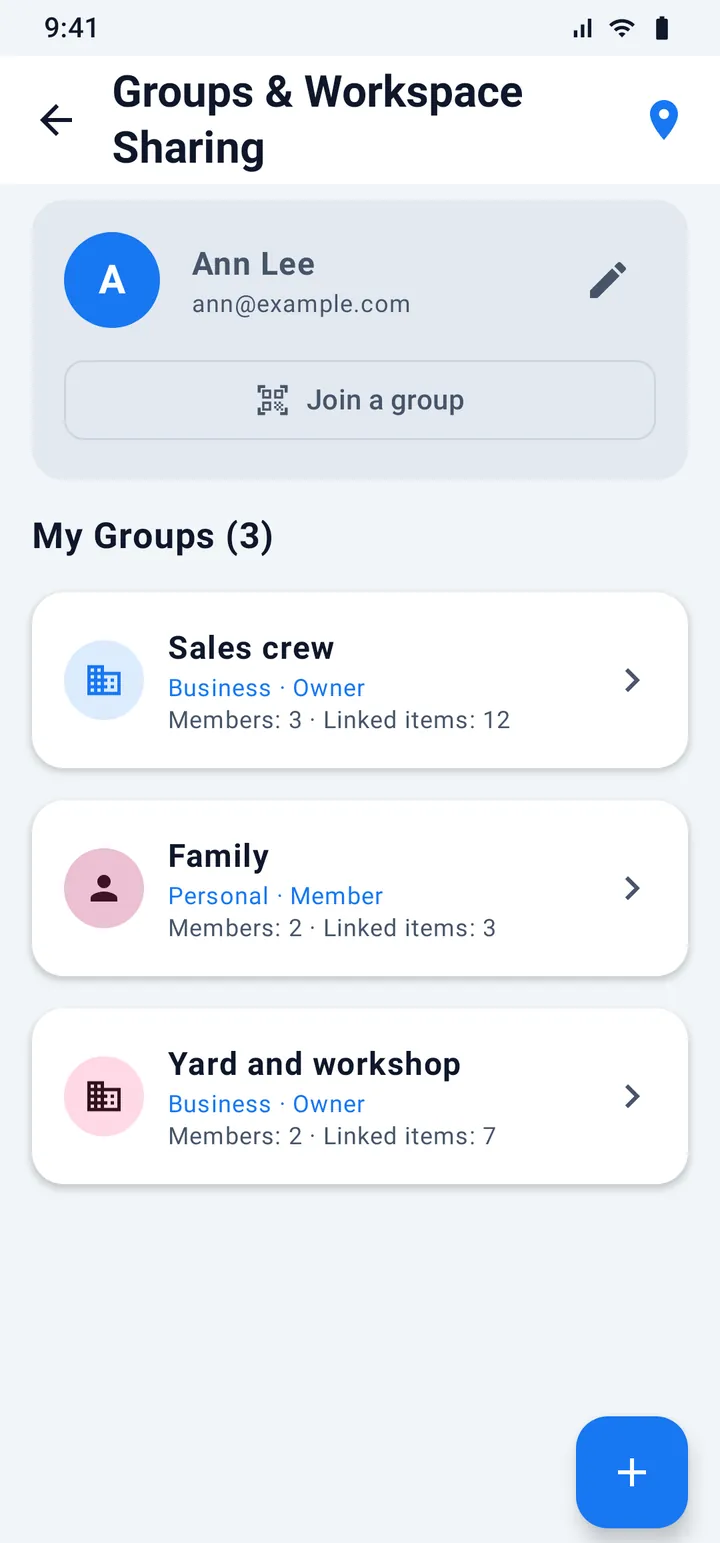
Share customers, notes, stock, calendar entries and files with your team. Phones sync with each other. The data is sealed (end-to-end encrypted) before it leaves your phone.
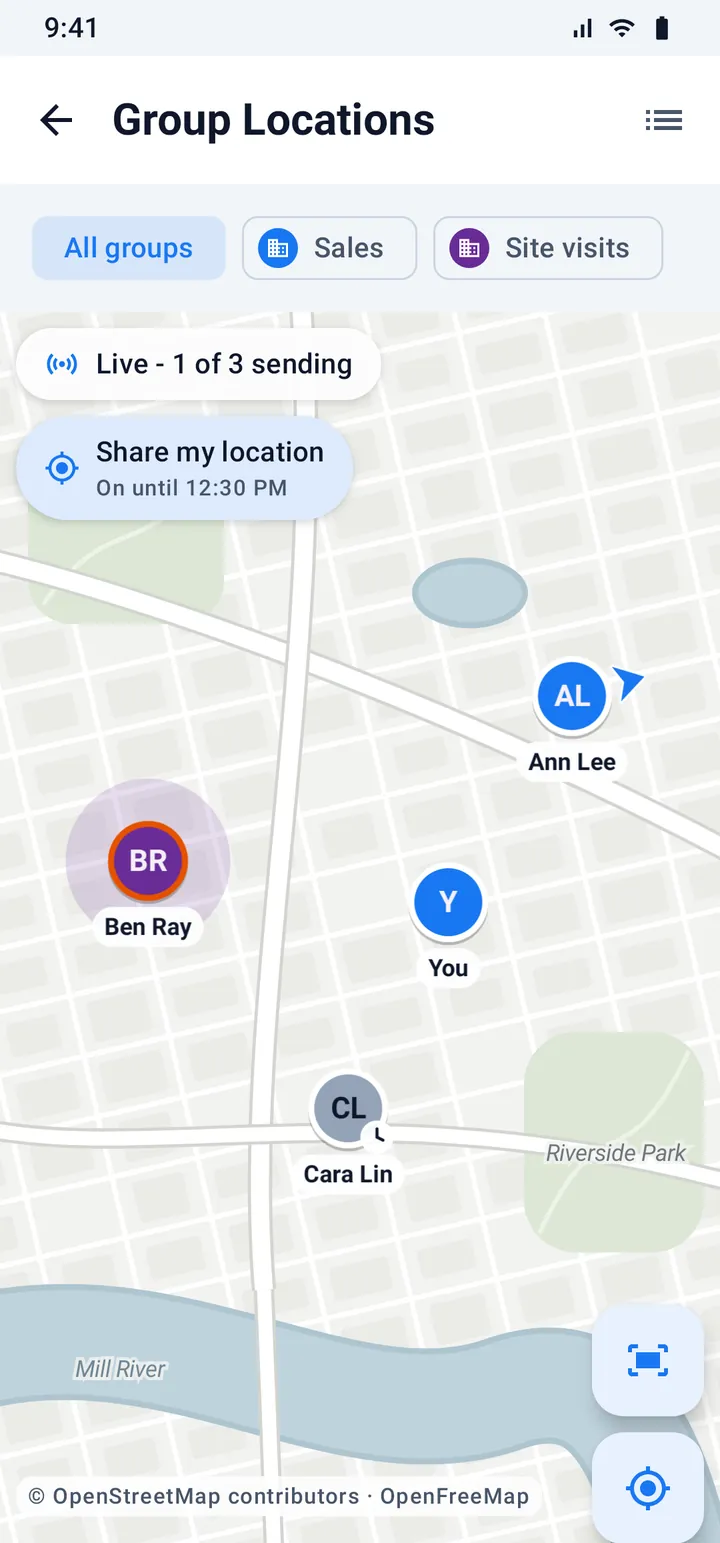
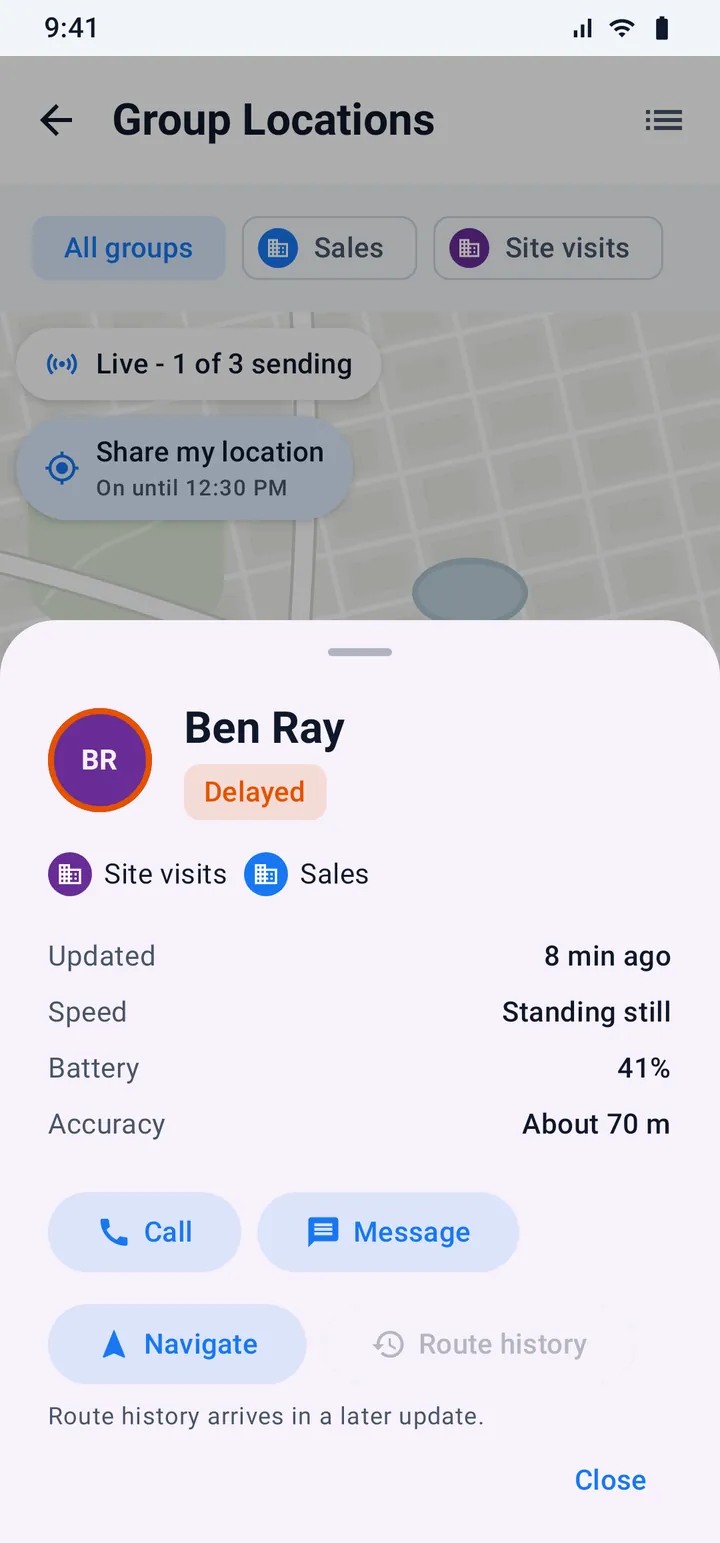
Open Locations and the members of your groups appear on a map as round markers with their initials. Tap a marker to see how fresh the place is, the battery of that phone and more. Everything here is shown with made-up people.
Where this stands. The map, the cards and the sharing controls work in the app today, with your own place. Sending places between the phones of a group is the next step and is not switched on yet. The pictures show made-up people so you can see how it will look.
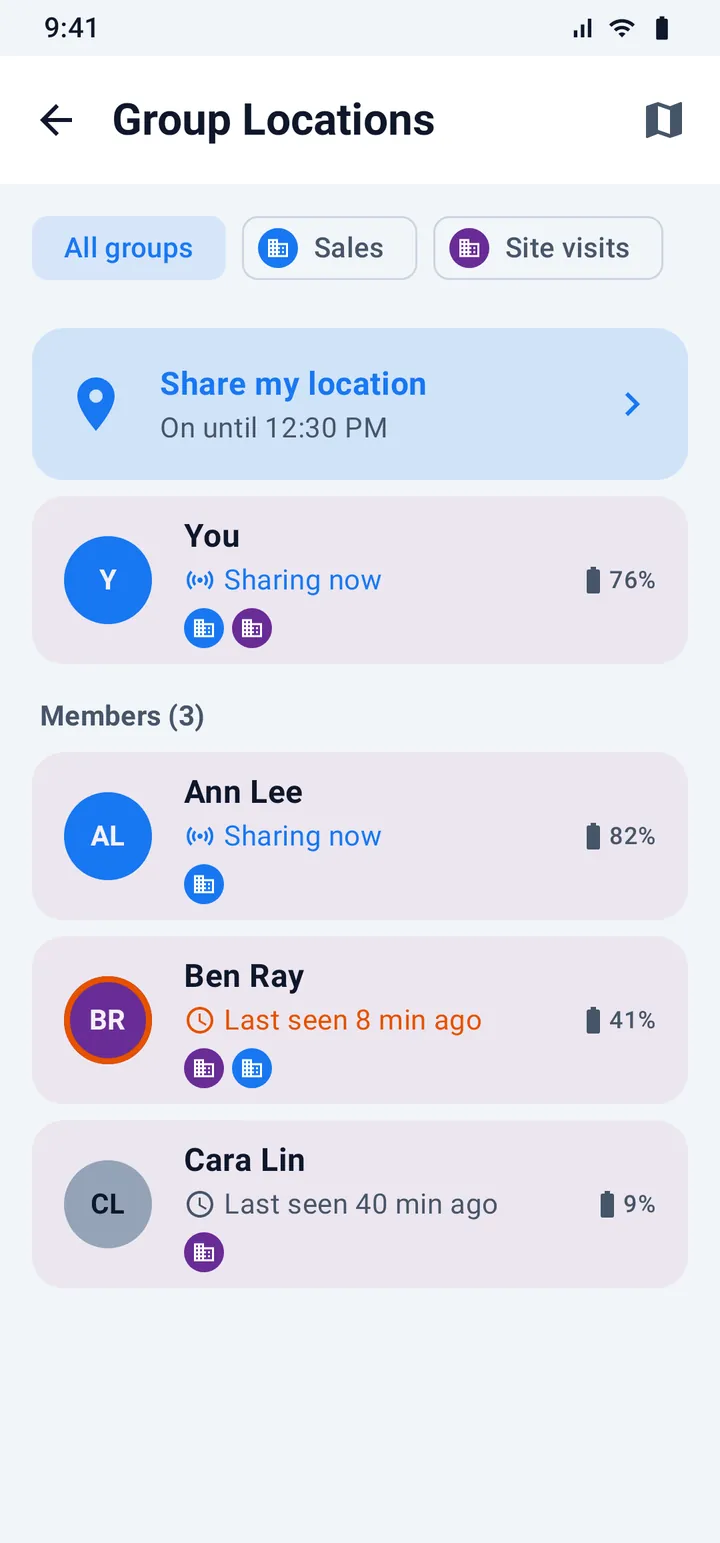
Sharing your place is off until you switch it on. Nobody can switch it on for you, and there is no hidden mode.
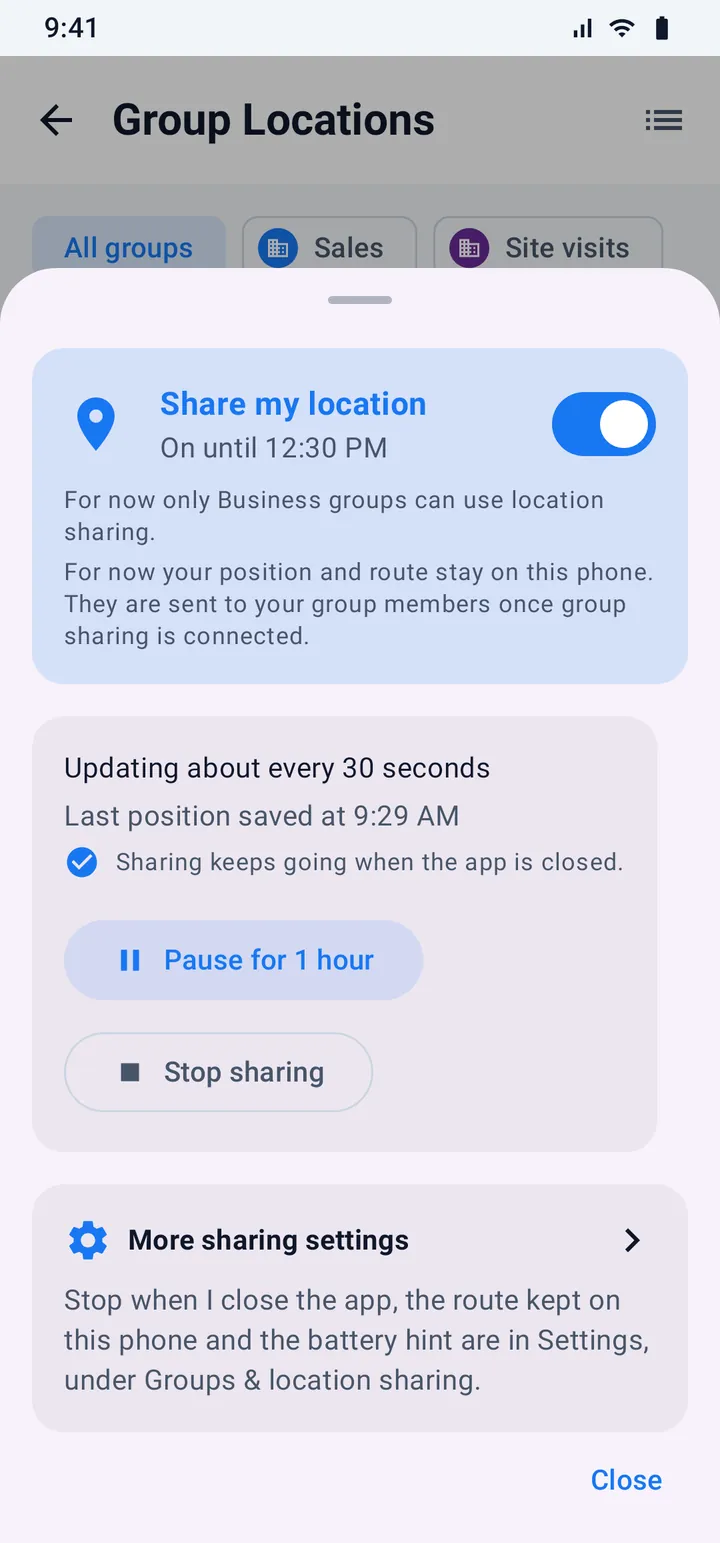
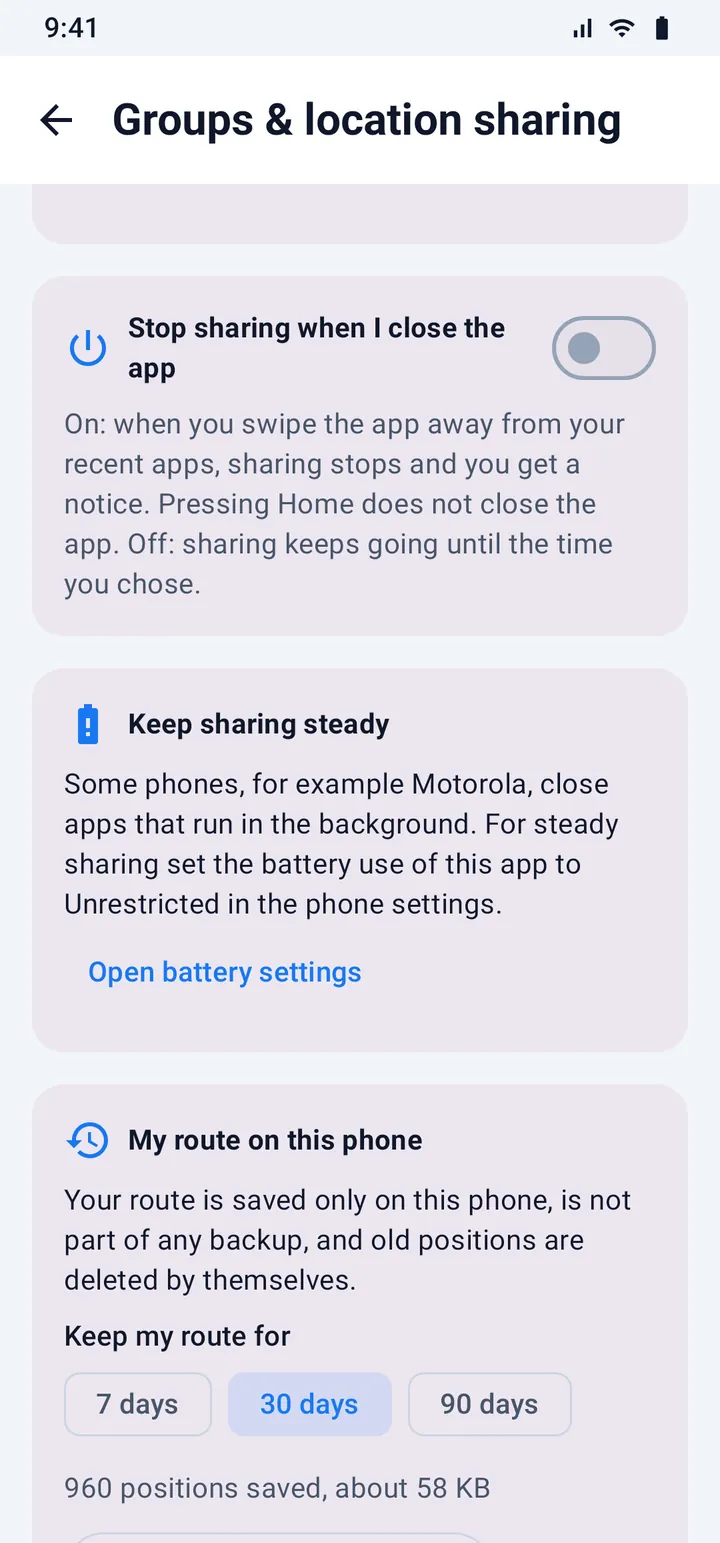
The same real screens, with made-up names and numbers.
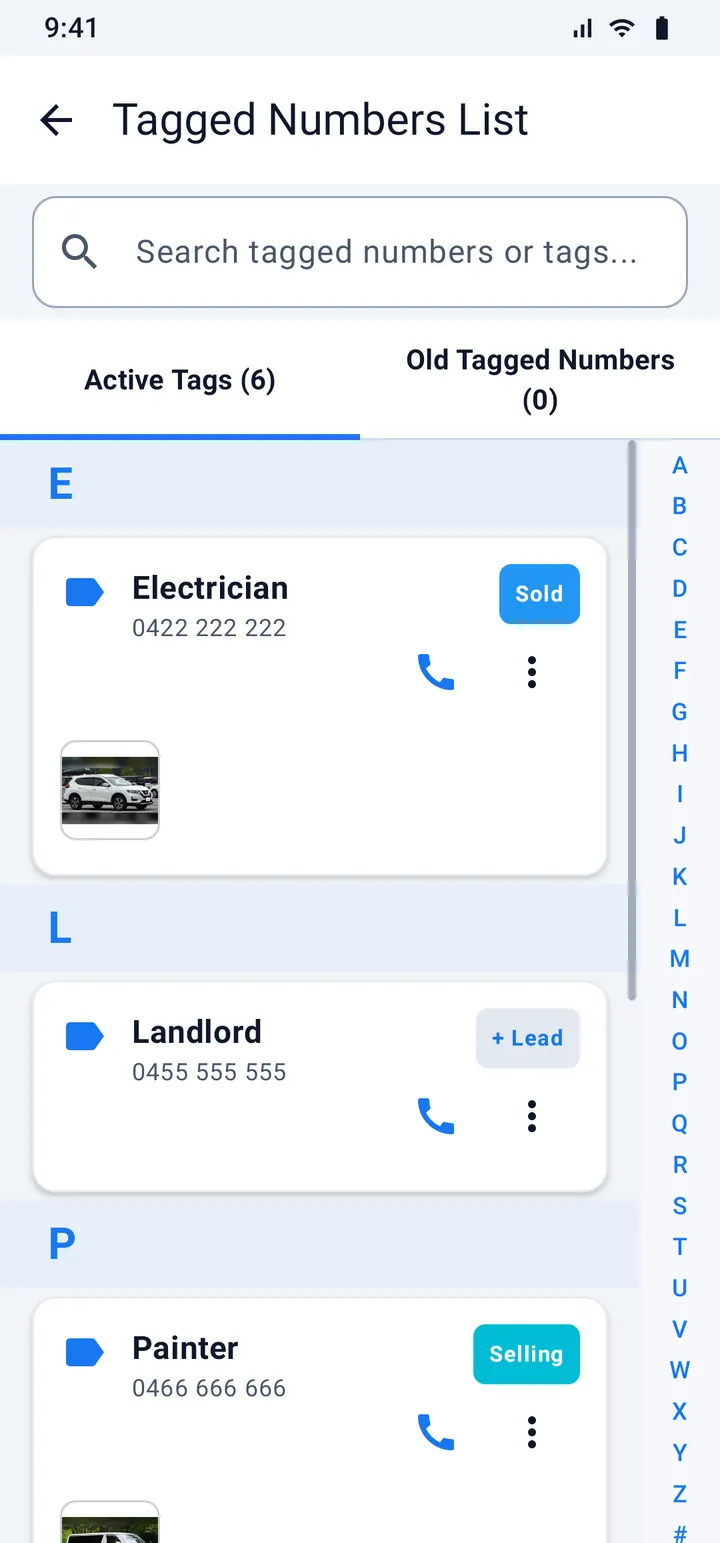
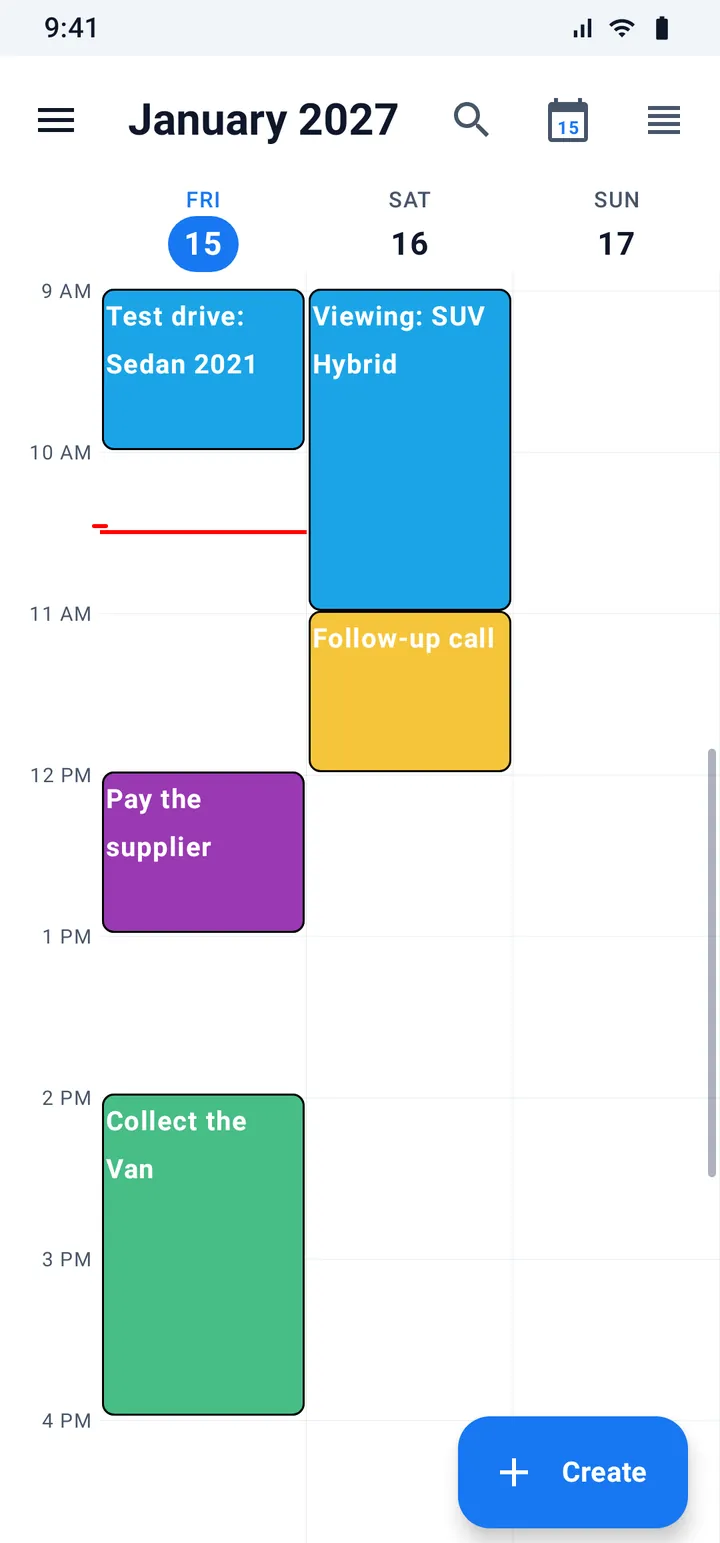
Dictate a note with your own microphone. Optionally turn it into text, using your own key with Google's Gemini. The app never records phone calls.
Look through calls, texts, mail, stock and customers from one place.
The app already speaks many languages, including right-to-left ones. New features arrive in English first and the translations follow.
One page for what the app told you, and short tips that teach you something useful every day.
Back up to a folder or to your own Google Drive, with optional password protection. Android's automatic backup goes to your own Google account.
Secrets such as mail sign-in tokens live in your phone's secure storage and are never in a backup.